Neuro N6.
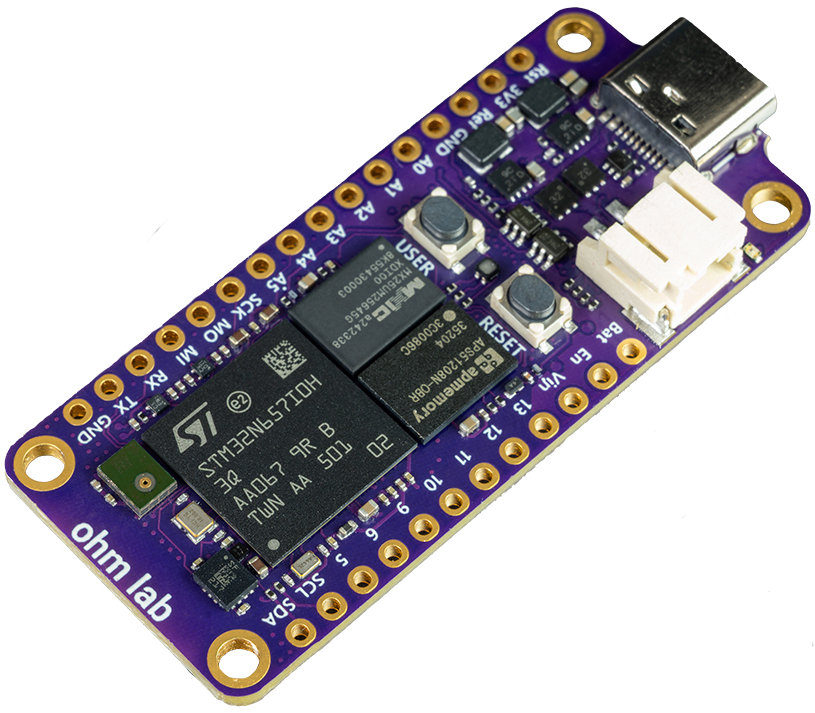
Vision AI. Made simple.
Run real-time neural networks, detect objects, classify sounds, and build smarter devices from a single Arduino sketch. No cloud, low latency, milliwatts of power.
Shipping from November 2026
Powered by the STM32N6.
One of the most advanced microcontrollers ever brought to an Arduino-compatible platform. An Arm Cortex-M55 CPU paired with ST's Neural-ART NPU at 1 GHz delivers exceptional real-time ML on embedded hardware, with a built-in ISP, H.264 encoding, and a NeoChrom GPU. A complete vision pipeline on a single board.
- Arm Cortex-M55 + Neural-ART NPU at 1 GHz
- ISP supporting cameras up to 5MP
- Hardware MJPEG and H.264 encoding
- NeoChrom GPU for image manipulation
- 64MB OSPI RAM + 32MB flash
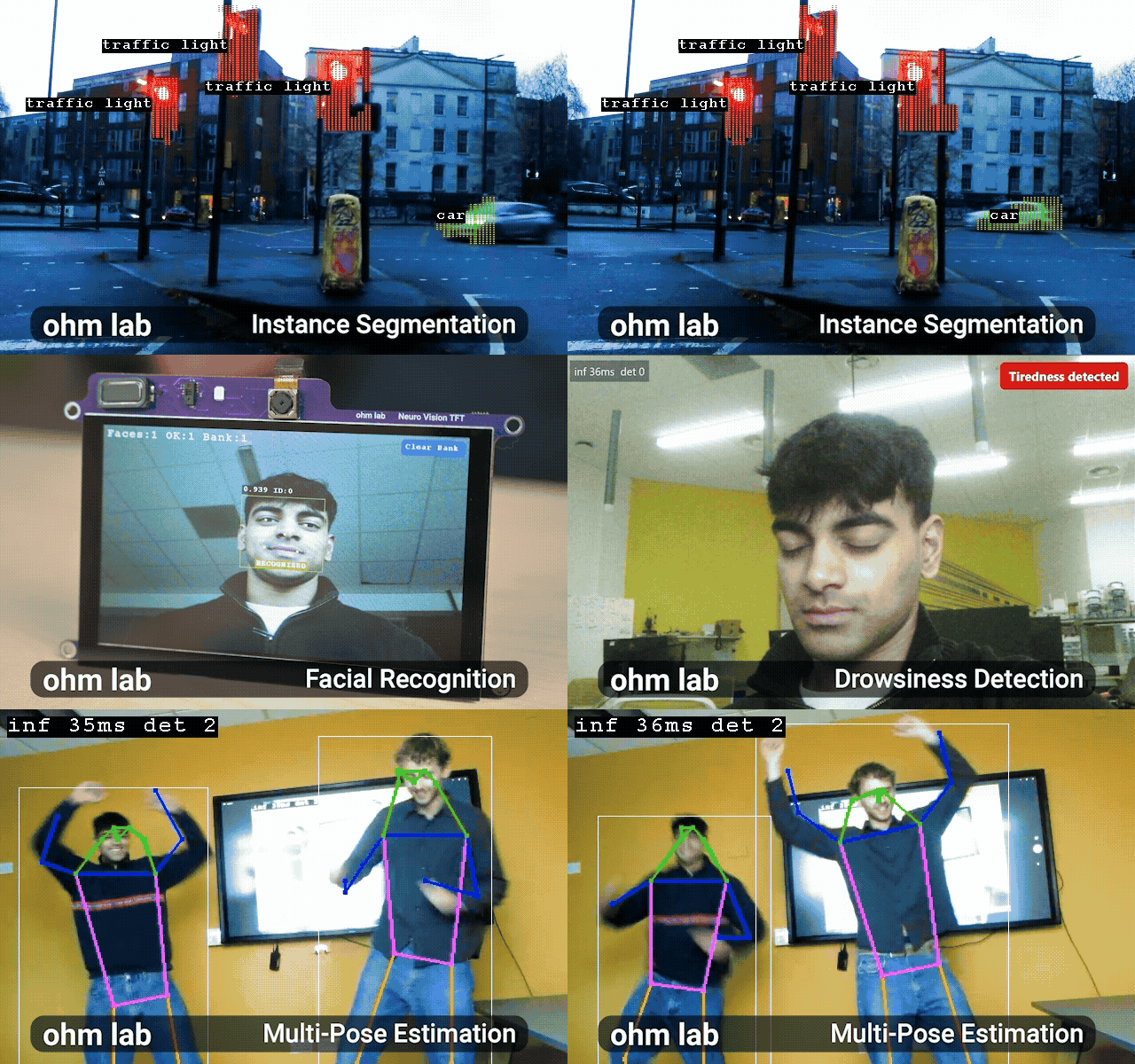
One of the first Arduino boards with a dedicated NPU.
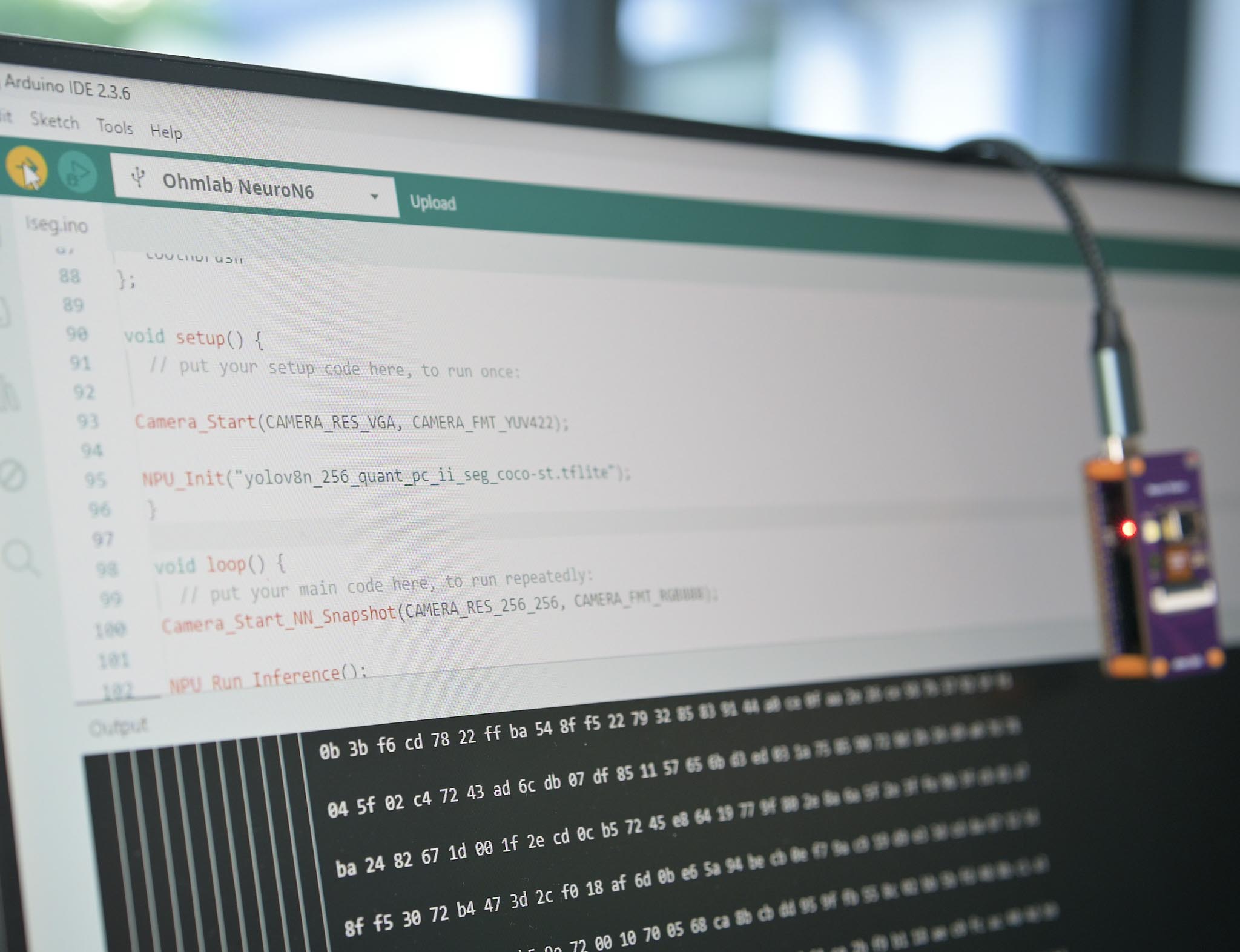
The entire AI inference pipeline, from camera capture and pre-processing to NPU inference and result handling, lives inside a single Arduino sketch. If you can blink an LED, you can run a neural network.
Ohm Lab's high-level libraries abstract away the complex STM32N6 peripheral configuration. No manual DMA setup, no register fiddling, no custom linker scripts. Install the library and start building.
1#include <NeuroN6_app.h>2#include <OV5640_Arduino.h>3#include <PostProcess.h>4#include <Models.h>5 6NEURON6_DECLARE_MODEL(yolov8_mpe); // Declare YoloV8 Multi Pose Estimation Model7 8void setup() {9 ov5640_init(WVGA, MIRROR_FLIP_NONE); // Initialise OV5640 Camera10 DCMIPP_USB_Init(800, 480); // Initialise STM32N6 DCMIPP peripheral for Neuro Studio11 DCMIPP_NN_Init(256, 256); // Initialise STM32N6 DCMIPP peripheral for Neural Network input12 USB_feed_start(FEED_CONTINUOUS); // Start NeuroStudio feed in continuous capture mode13 NPU_Init(); // Initialise the NPU14 app_postprocess_mpe_yolo_v8_ui_init(0.4f, 0.5f); // Initialise the post processing with confidence and IOU threshold15}16 17void loop() {18 NN_feed_start(FEED_SNAPSHOT, &NN_Instance_yolov8_mpe); // Capture one frame into NN input19 NPU_Run_Inference(&NN_Instance_yolov8_mpe); // Run inference on frame20 app_postprocess_mpe_yolo_v8_ui_run(&NN_Instance_yolov8_mpe);// Post process outputs21 Display_NS_Yolo_V8_MPE(); // Build overlay info for Neuro Studio22 Send_Frames(); // Send frames and overlay data to Neuro Studio23}What will you build?
600 GOPS in a Feather form factor, drawing milliwatts. The bottleneck is your imagination.
Wildlife and trail cameras
Classify animals on-device and run for weeks on a battery.
Autonomous robots
Perception on-board, with no laptop or Wi-Fi tether.
Wearable devices
Activity recognition on a board small enough to wear.
Smart cameras and security
Local alerts, with no subscription or cloud footage.
Sound and keyword detection
Always-listening audio models with millisecond inference.
Custom defect detection
Train and deploy your own inspection models.
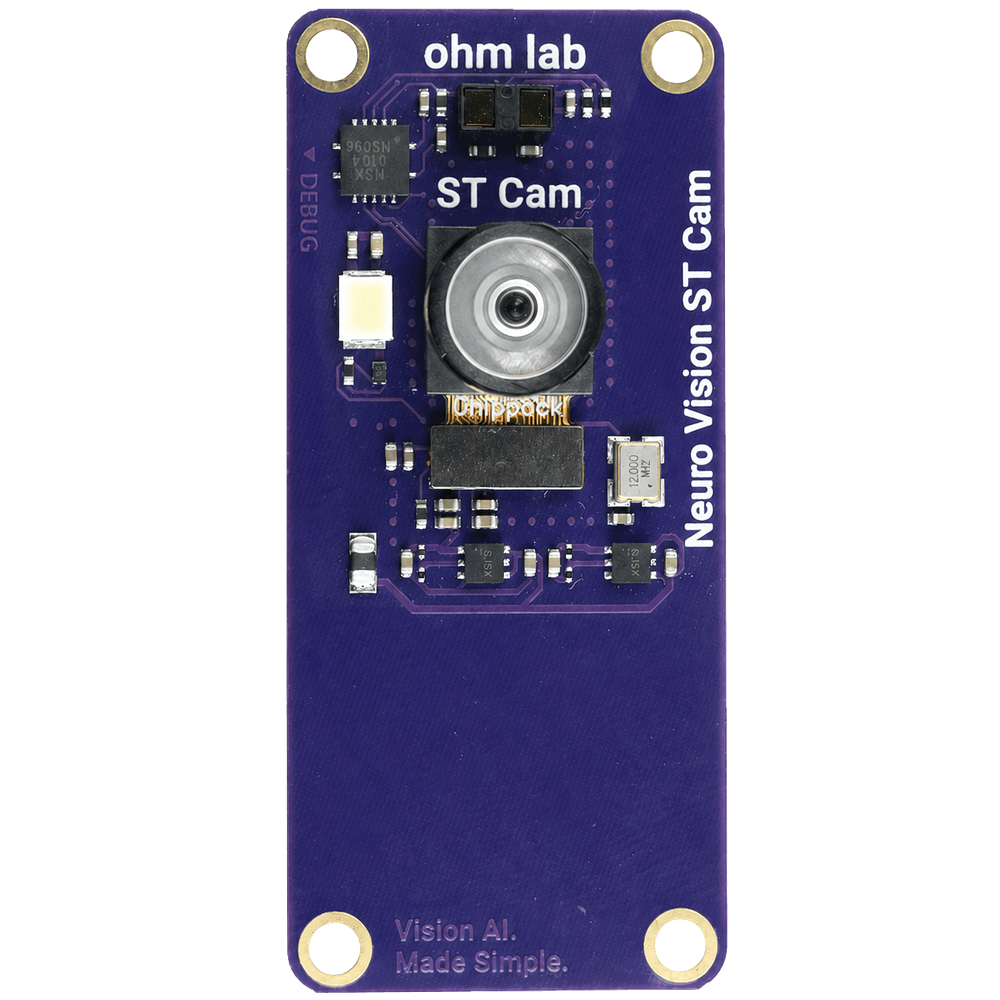
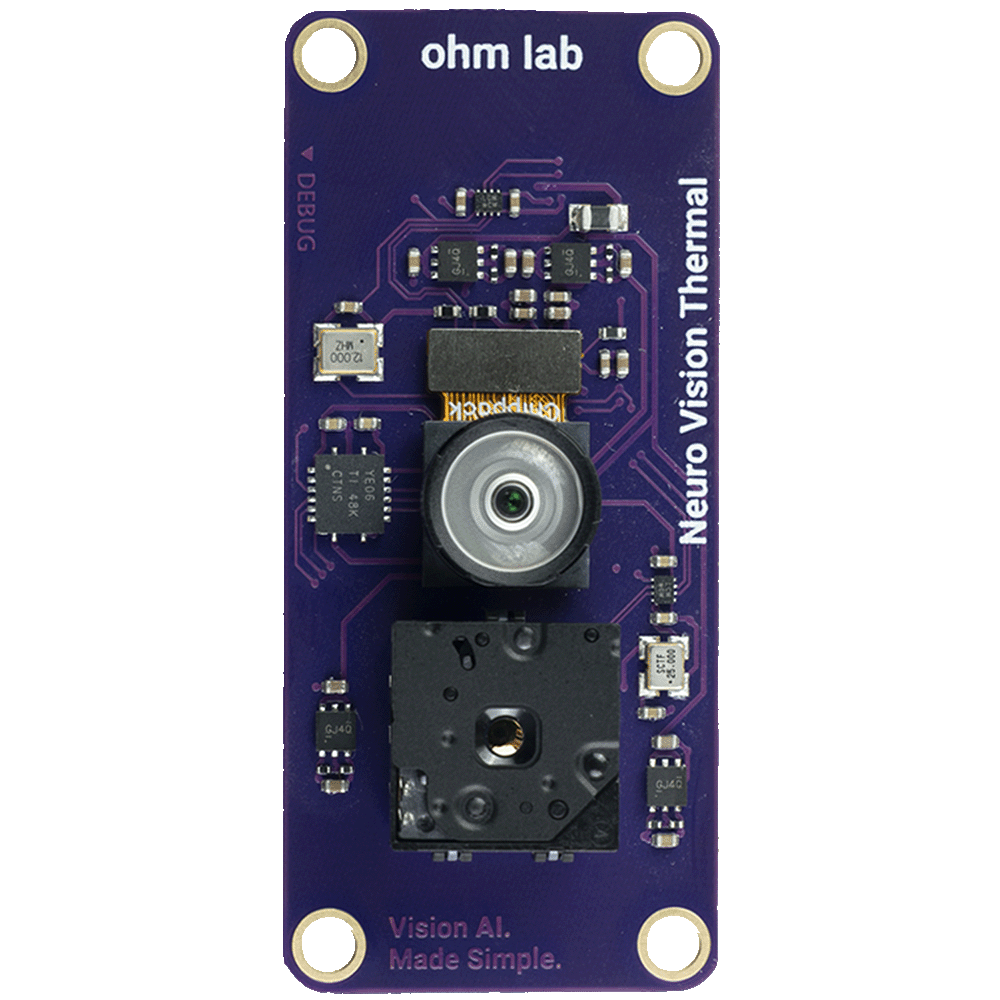
Pick your sensor.
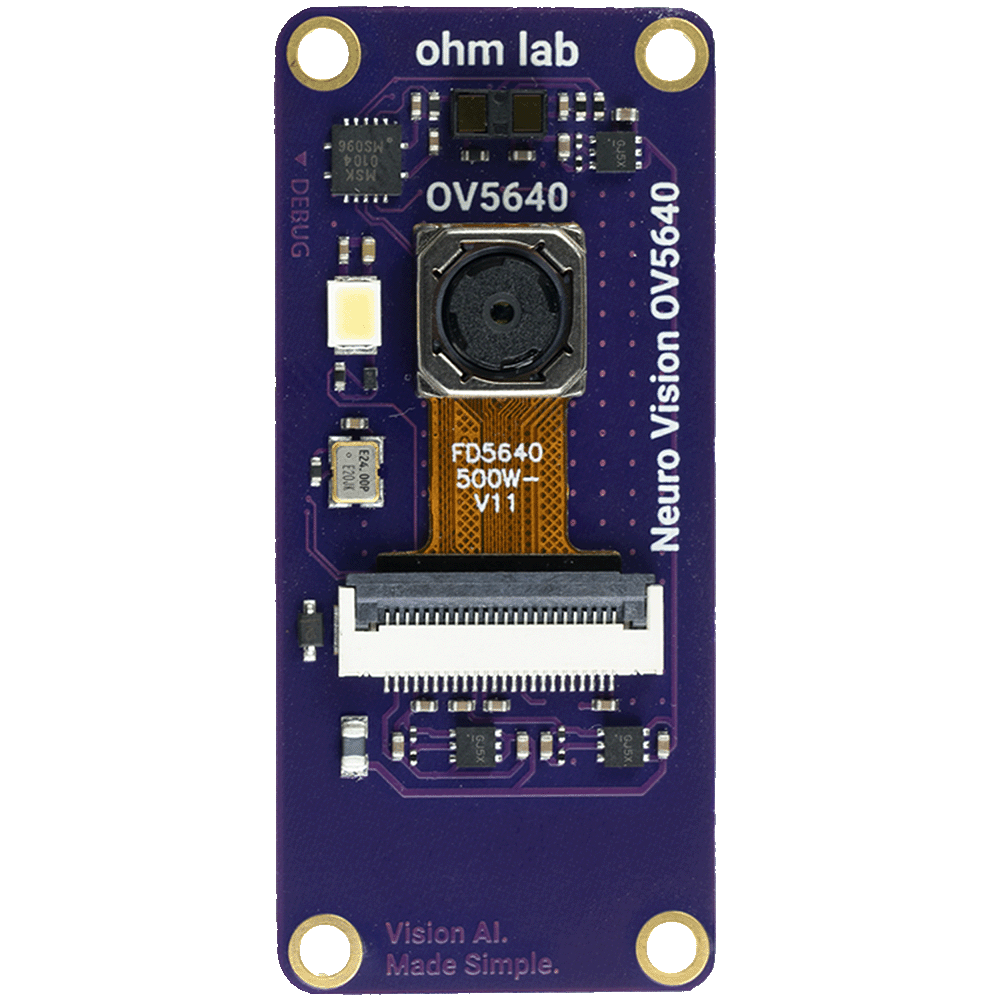
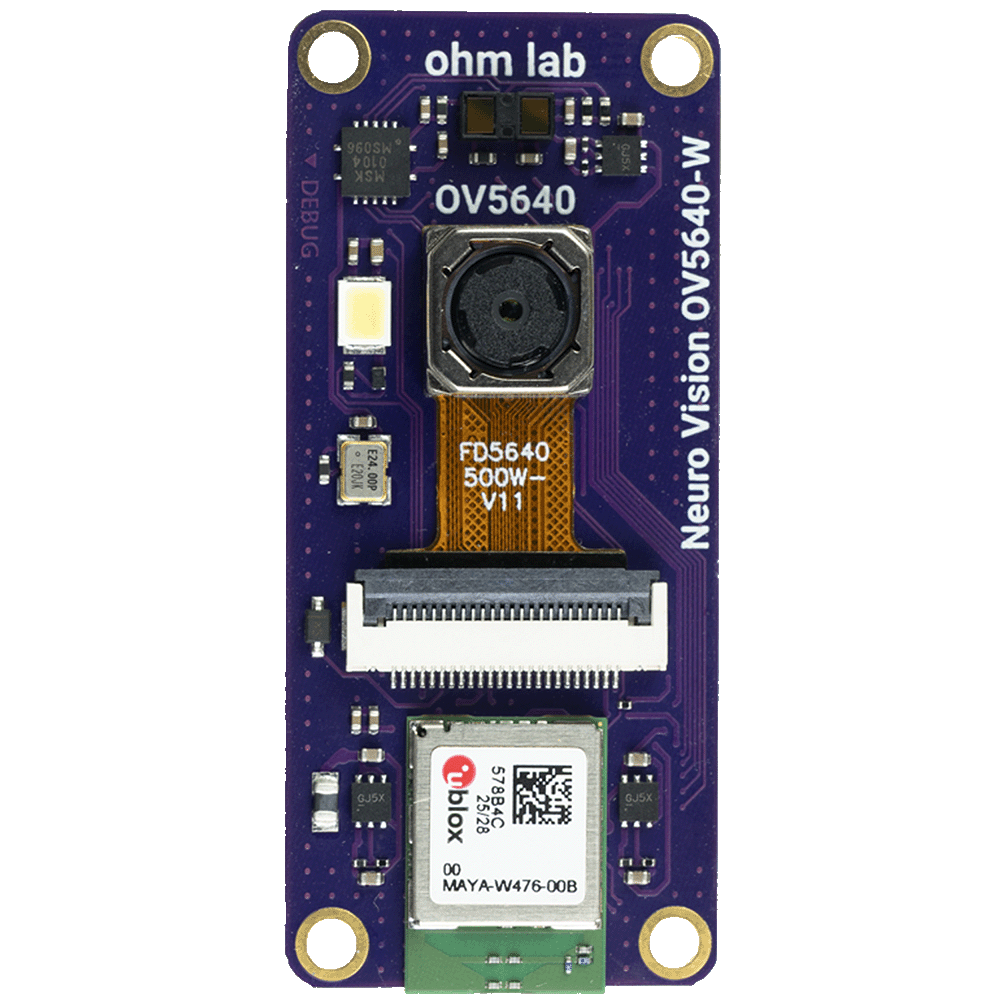
Neuro Vision OV5640
- 5MP rolling shutter with autofocus
- 67° field of view
- Time-of-flight distance sensor
- Strobe LED
£29Connects directly to the back of the Neuro N6
Neuro Studio.
Open source. Lightweight. Ships with the board.
Connect over USB, open Neuro Studio, and see exactly what your NPU is doing in real time. Bounding boxes, class labels, confidence scores, frame rate, and inference timing, all live with no configuration required.
Where things stand.
Real hardware, real software.
Design finalised and being manufactured now.
Build and flash from Arduino IDE.
Live preview and inference overlays over USB.
Hardware and software, fully open source.
Everything we build for the developer community is open. The Arduino core, Neuro Studio, and hardware design files will all be published on GitHub as development progresses, so you can follow along, contribute, and start building before the board even ships.
Arduino Core
Full library support for the STM32N6 NPU, camera, and peripherals. Install via the Arduino Library Manager.
Neuro Studio
Open source desktop app for live inference visualisation, debug overlays, and session recording.
Hardware Design
Schematics and PCB files for the Neuro N6 and all Neuro Vision camera modules.
Model Workflow
Train, quantise, and deploy custom models. Docs and tooling will be published as the workflow matures.
Get the Neuro N6.
Pre-order now and be among the first to build with it. Or join the mailing list for development updates, early Neuro Studio access, and Arduino library drops.
No spam. Unsubscribe any time.