Welcome to the first post in Ohm Lab Insights.
We'll be using this space to share short technical posts about what we're building, what we're learning, and the decisions behind our products. Some posts will be product updates, some will be technical notes, and some will be quick write-ups on problems we've run into while building.
For the first post, we wanted to start with PixelKit.
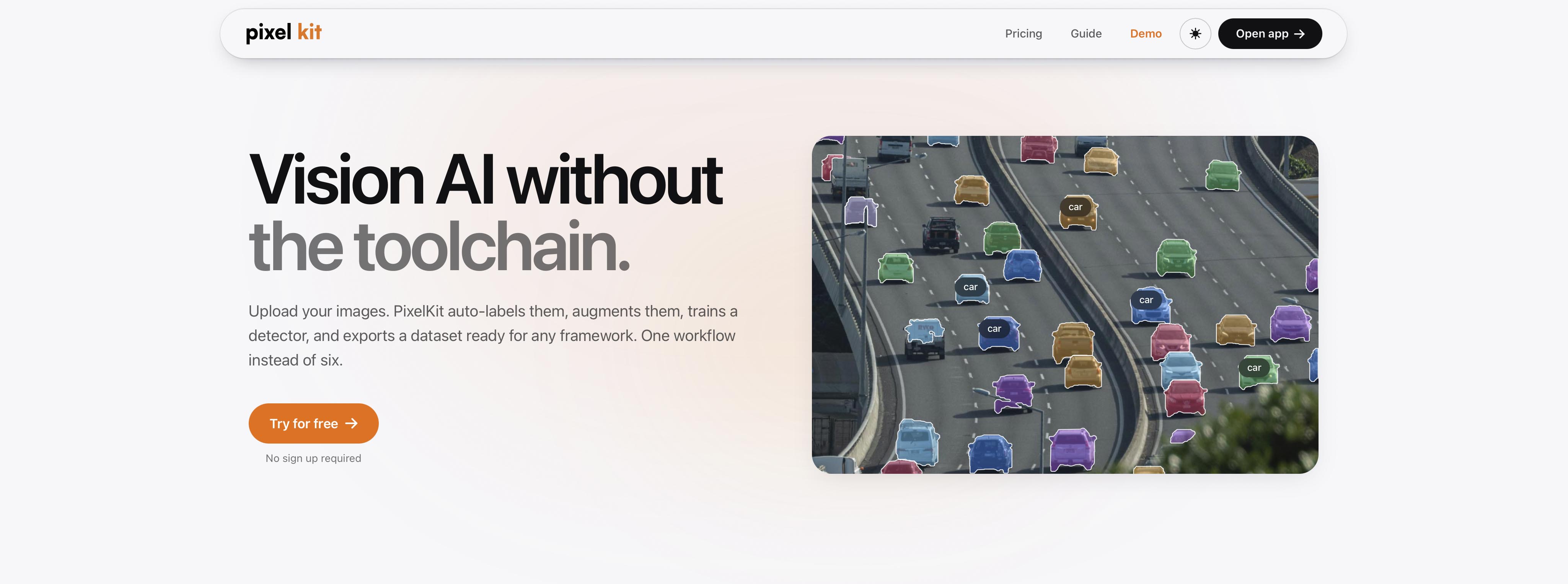
PixelKit is a tool for building labelled computer vision datasets. Put simply, it helps you take a folder of images and turn it into a dataset that is structured, annotated, and ready for model training.
That sounds straightforward, but anyone who has worked on a computer vision project knows the dataset stage can take a lot longer than expected. Before a model can learn anything useful, you need the right images, accurate labels, clean annotations, enough variation, and an export format that fits your training pipeline.
In many projects, the dataset is where most of the real work happens.
PixelKit is designed to make that work faster and easier to manage. It brings the core dataset-building workflow into one place: adding images, labelling objects, reviewing annotations, creating augmentations, checking dataset quality, and exporting in common formats.
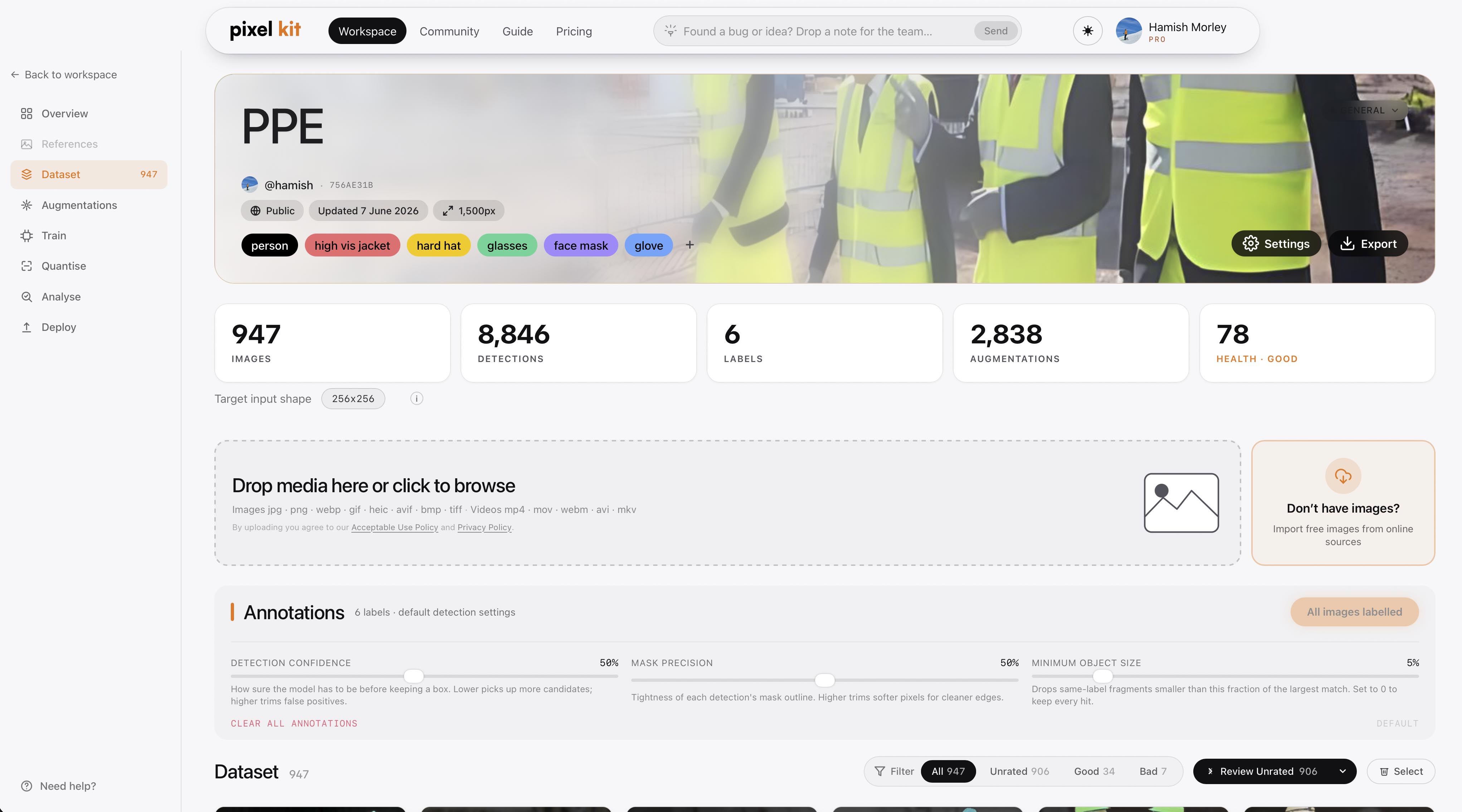
You start by creating a dataset and choosing the labels you care about. Those labels can be broad, like person, car, dog, or bicycle. They can also be much more fine-grained, such as different product types, similar animal species, component variants, defects, tools, or parts that are visually close to each other.
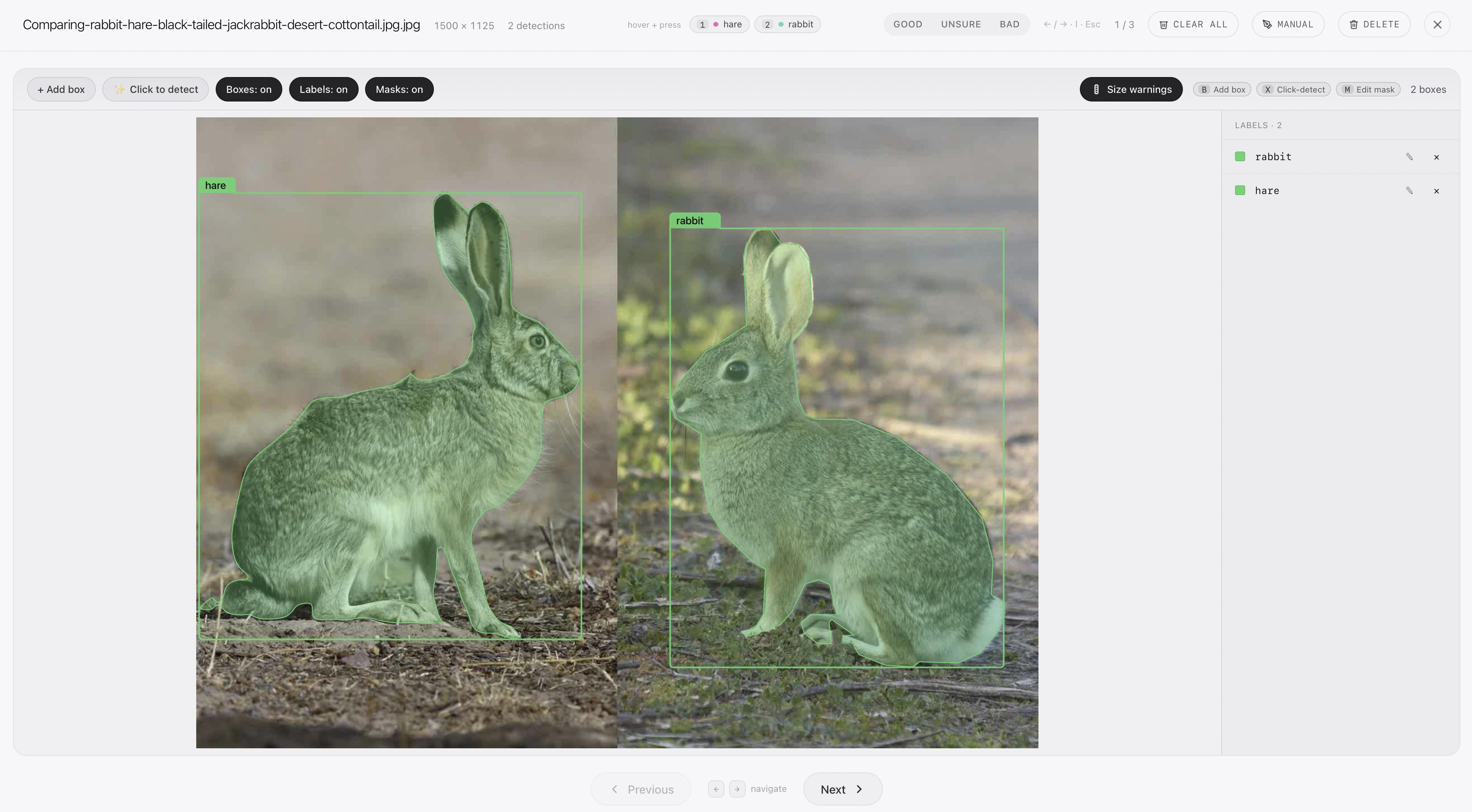
That fine-grained detection workflow is one of the reasons PixelKit supports reference examples. If your labels are common objects, PixelKit can usually start labelling straight away. If your labels are more specific to your domain, or visually similar to each other, you can provide example images for each class so PixelKit has a clearer idea of what you mean.
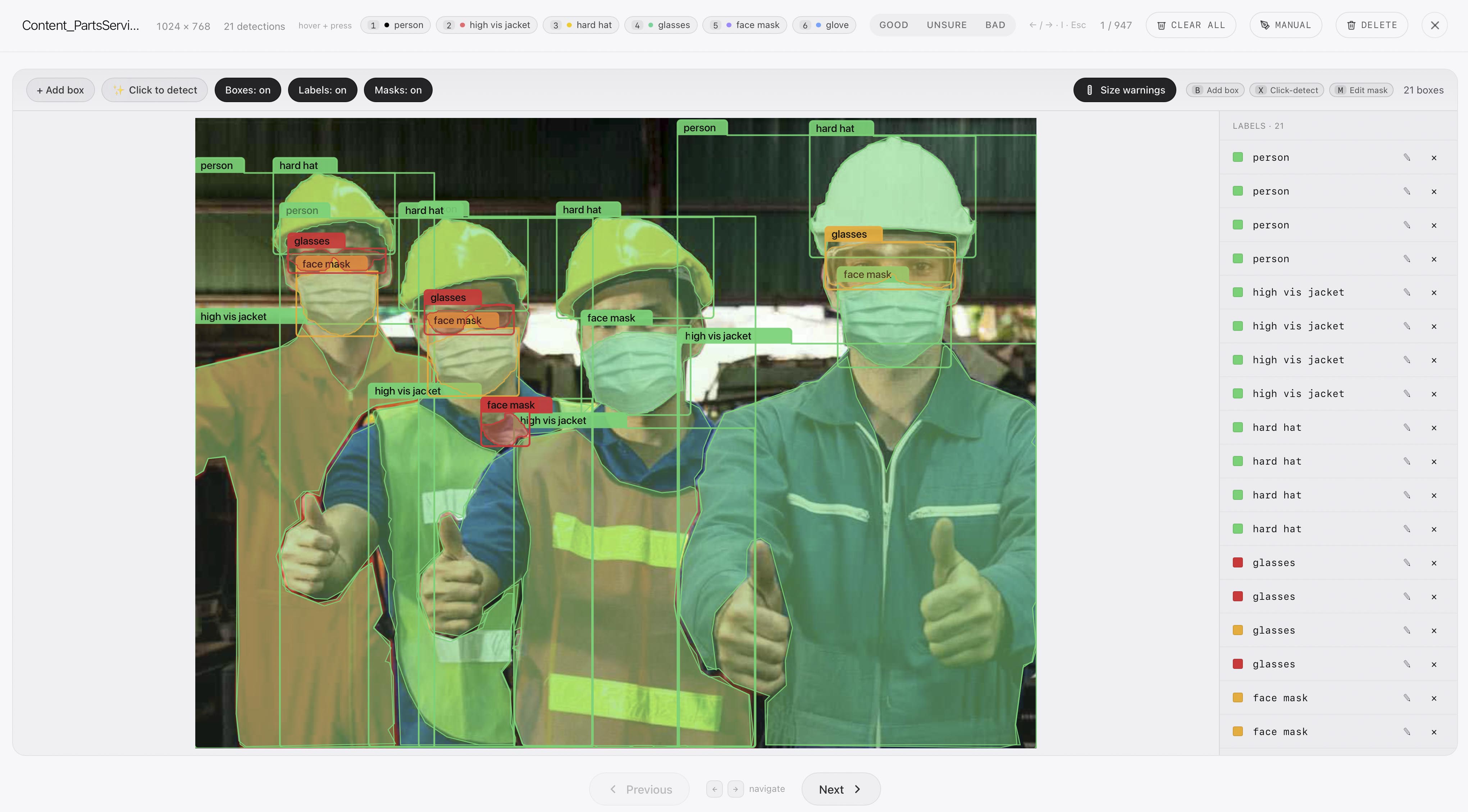
Then you add images by uploading them, importing frames from video, or searching Openverse for openly licensed examples. Once the images are in, PixelKit can run AI image labelling, built on top of SAM3, to give you a first pass of detections.
From there, the workflow becomes more focused. PixelKit highlights uncertain detections so they are easy to review, and you can step in whenever an annotation needs adjustment. You can fix a label, delete an incorrect box, draw a box manually, or use click-to-detect when an object has been missed.
The aim is to combine the speed of automated labelling with the control needed to produce a reliable dataset, especially when the labels are subtle or domain-specific.
Once the labels are in a good place, PixelKit helps you improve the dataset itself. Dataset augmentation lets you create realistic variations, including changes in lighting, camera artefacts, distortion, occlusion, and background. This helps the dataset better reflect the conditions a model may encounter later.
PixelKit also gives you dataset stats, including a health score, recommendations, and a variation map that can highlight duplicates or gaps in the data. This matters because a dataset can look large without being especially useful. If too many images are near-identical, one class is underrepresented, or a fine-grained class only appears in one narrow setting, model performance can suffer later.


When the dataset is ready, you can export it in formats like YOLO, COCO, or Pascal VOC, with a reproducible train and validation split. Openverse licence metadata is kept with imported images, and direct uploads remain your responsibility, which keeps the source of the data clear.
There are also features for teams and more advanced workflows. Projects let several people work around shared datasets with different roles. Derived datasets let you crop detections into new object-level datasets, which is useful when one computer vision task leads into another.
The bigger idea behind PixelKit is simple: building training-ready computer vision datasets should feel less scattered.
You should be able to add data, label it, review it, improve it, check it, and export it without constantly jumping between tools or losing track of what changed.
That is what we are trying to make easier with PixelKit.
We'll be posting more here soon, including short pieces on dataset quality, augmentation strategy, fine-grained detection, image annotation workflows, model evaluation, and what we are learning while building PixelKit.
Thanks for reading, and welcome to Ohm Lab Insights.