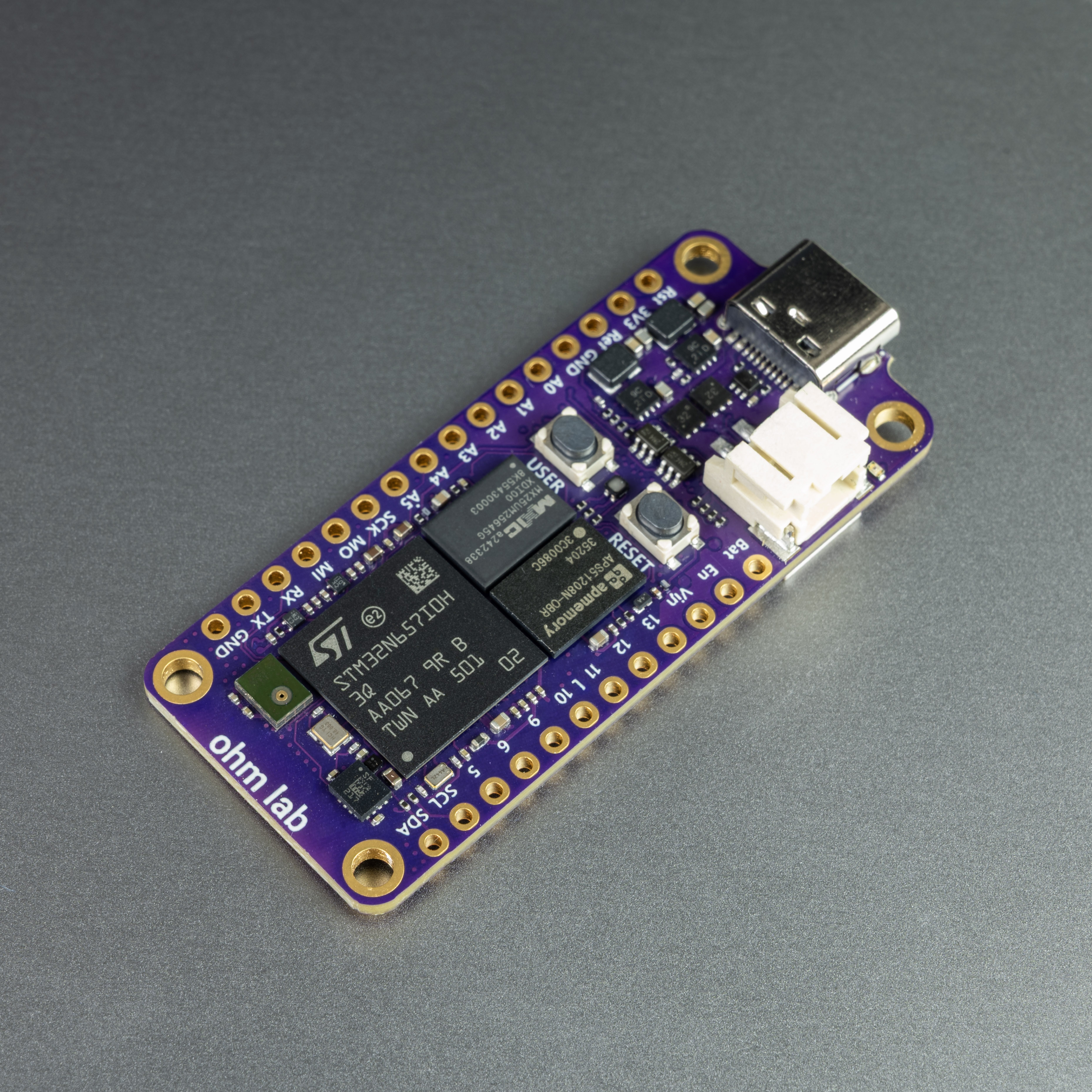
Why we built the Neuro N6
The STM32N6 is one of the most interesting microcontrollers for edge AI. It brings dedicated neural acceleration, camera support and image processing capability into a microcontroller class device, which makes it relevant for small vision systems, smart sensors, robotics, battery powered devices and embedded AI products.
The official STM32N657 Discovery kit is the right place to start if the goal is full STM32N6 evaluation. It is a broad, official development platform from STMicroelectronics, with the expansion, debug and peripheral access expected from a Discovery board.
Neuro N6 was built for a different purpose.
We wanted to make STM32N6 edge AI more accessible for people who want to build compact projects, not just evaluate the chip. That meant putting the STM32N6 into an Arduino compatible, Adafruit Feather form factor board with a simpler route into camera based AI, sensor experiments, live visualisation and real physical prototypes.
The goal was to make a smaller, more approachable board for people who want to put edge AI into something they are actually building.
Bringing edge vision AI to more people
Many developers are interested in local AI, but the route into embedded vision can feel difficult. The hardware is powerful, but the workflow often expects experience with complex embedded tooling, camera configuration, memory management and AI model deployment.
That is acceptable for experienced embedded engineers. It is a barrier for many developers, students, researchers, product teams and software first developers who want to experiment quickly.
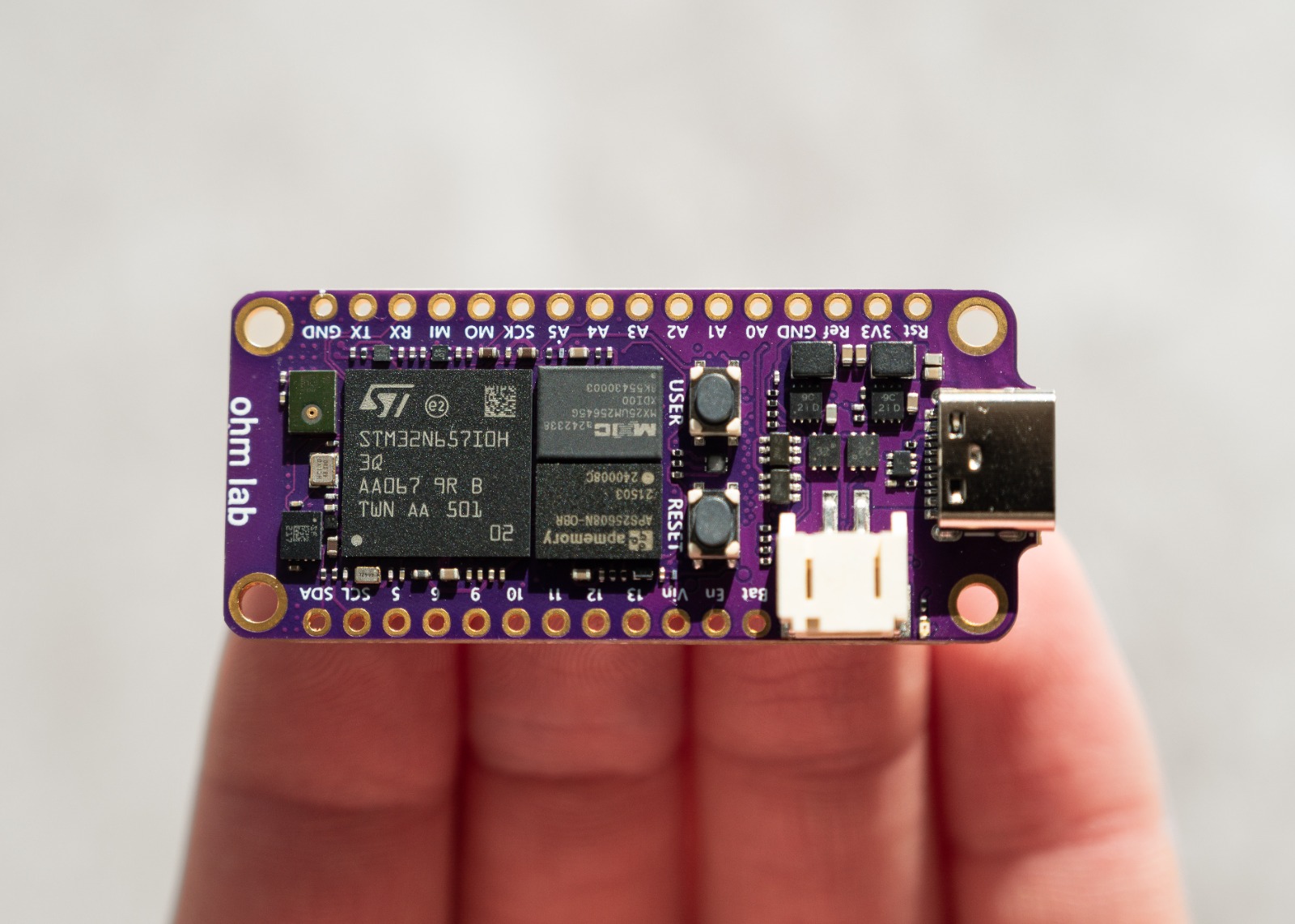
Neuro N6 is built around a simple idea: if you can build with Arduino style tools, you should be able to start exploring real edge AI without first becoming an expert in the STM32N6 platform or embedded engineering.
This does not remove the underlying complexity of embedded AI. Camera pipelines, quantisation, memory and timing still matter. The point of Neuro N6 is to make the first useful step much easier, while still giving developers access to a serious microcontroller AI platform.
Arduino compatibility
Arduino compatibility opens the door to millions of researchers, hobbyists and engineers who are already familiar with the platform. We are one of the first, if not the first that we know of, to bring the STM32N6 into the Arduino ecosystem.
A professional embedded engineer may be comfortable starting from STM32Cube, linker scripts and peripheral configuration. A robotics hobbyist, product designer, AI engineer or university project team may simply want to connect a camera, load an example, see the output and start modifying the behaviour.
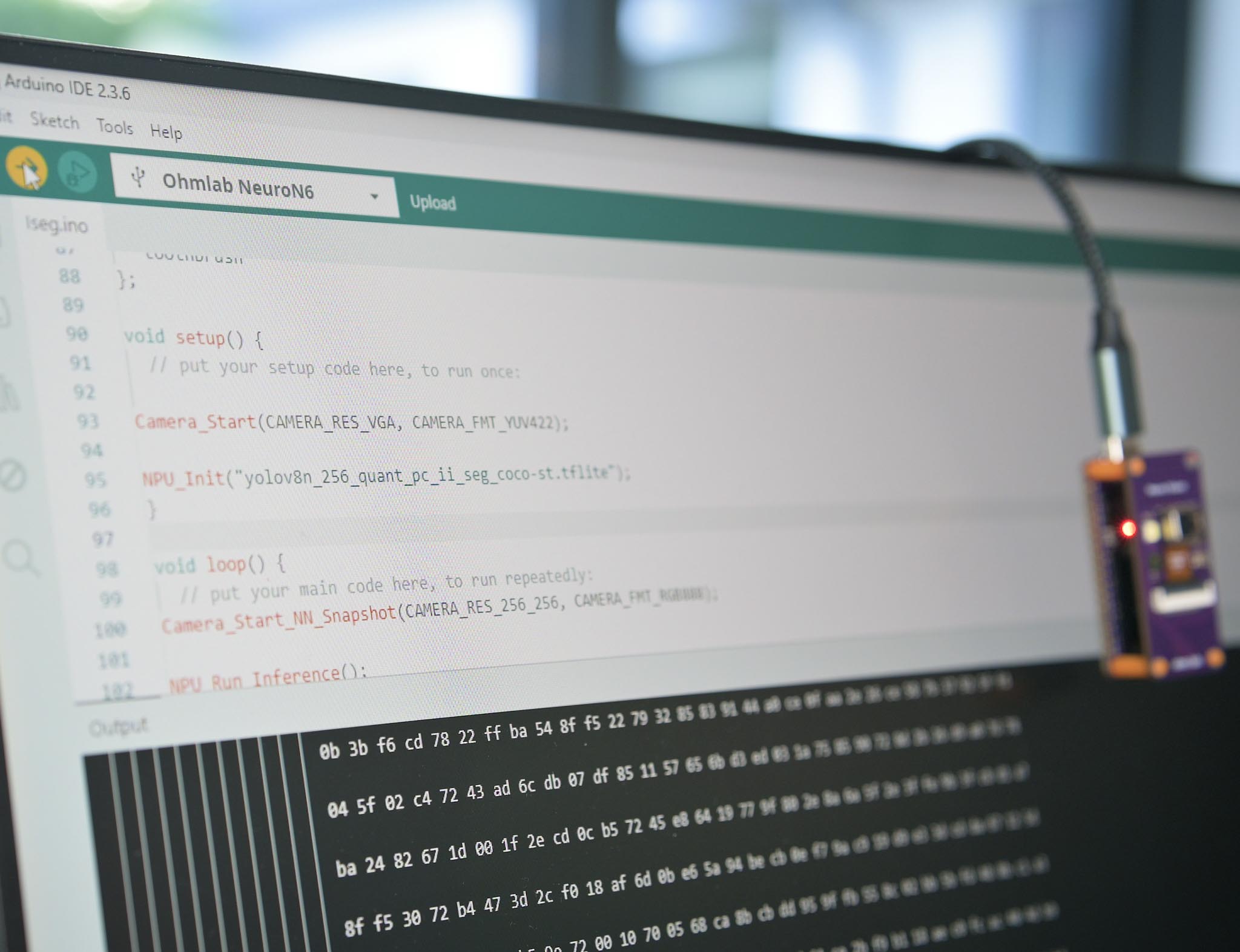
That is why Neuro N6 is designed around an Arduino style development experience. The aim is to let the complete AI pipeline, from camera capture and preprocessing through to NPU inference and result handling, live inside a familiar sketch based workflow.
This matters because edge AI becomes more useful when more people can prototype with it. A compact AI board should make it easier to test ideas such as object detection, sound classification, gesture control, anomaly detection, smart cameras, wearable devices and small autonomous robots without requiring a full custom hardware design at the start.
Why the Feather form factor matters
The Adafruit Feather form factor was chosen because physical usability matters.
A large development kit is useful on a desk. A compact board is easier to build into a robot, a camera housing, a handheld device, a battery powered sensor, a wearable prototype or an enclosure. The Feather ecosystem also gives developers a familiar size, mounting style and expansion mindset, compatible with a large number of existing third party modules.
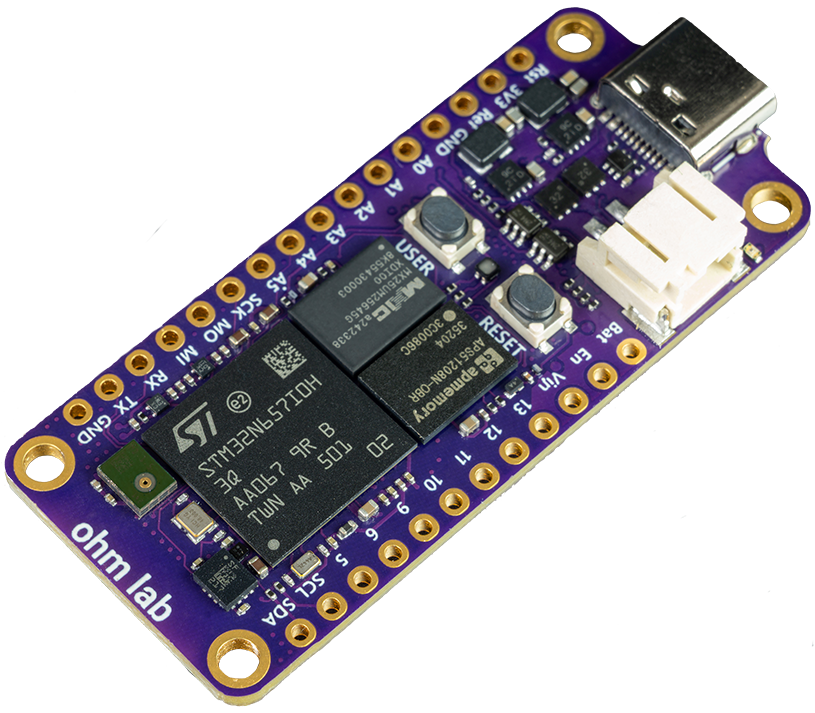
For many edge AI projects, the important question is not only whether the model runs. The question is whether the electronics can fit into the intended object. A board that is small enough to become part of the prototype changes the kind of projects people can attempt.
That is the practical reason for Neuro N6. It takes STM32N6 edge AI and puts it into a form factor that is easier to build around.
Vision, thermal and sensor options
Neuro N6 is designed to work with swappable Neuro Vision modules. The standard camera options support conventional vision work such as object detection, simple tracking, visual sensing and smart camera experiments. The thermal option extends the platform into radiometric thermal sensing, which is useful for projects where visible light is not enough.
Neuro Vision OV5640
- 5MP rolling shutter with autofocus
- 67° field of view
- Time-of-flight distance sensor
- Strobe LED
Connects directly to the back of the Neuro N6
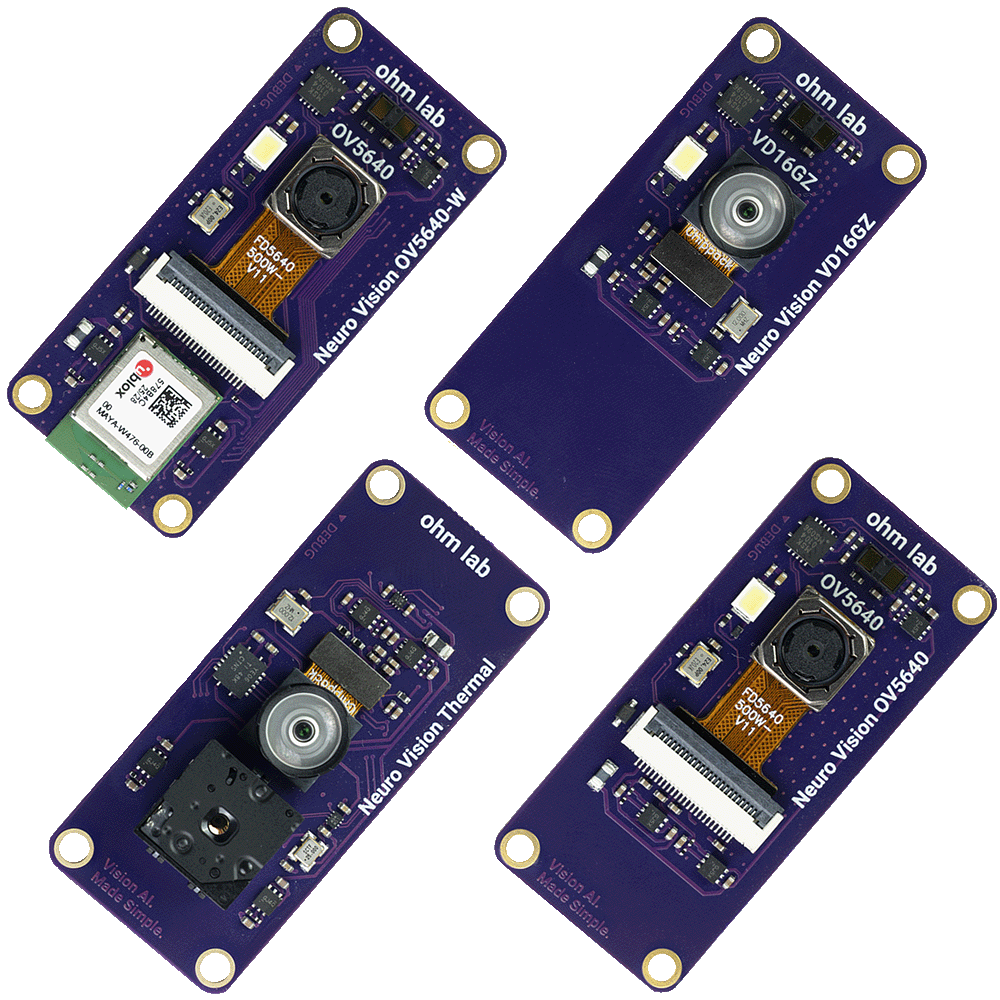
That matters for applications such as heat monitoring, equipment inspection, presence detection, low light sensing, battery safety experiments, robotics and environmental monitoring. A compact edge AI board becomes much more useful when the sensor can be changed without changing the whole platform.
This was one of the reasons we built Neuro N6 as a small board with a sensor module ecosystem rather than as a single fixed camera board.
The power of local inference
Cloud AI is powerful, but it is not always the right architecture for small sensing products. Some devices need to work without a reliable network connection. Some need lower latency than a cloud round trip can provide. Some handle data that should not be streamed continuously. Some need to run from a small battery or operate in a constrained physical space.
Local inference addresses those problems by moving the decision closer to the sensor.
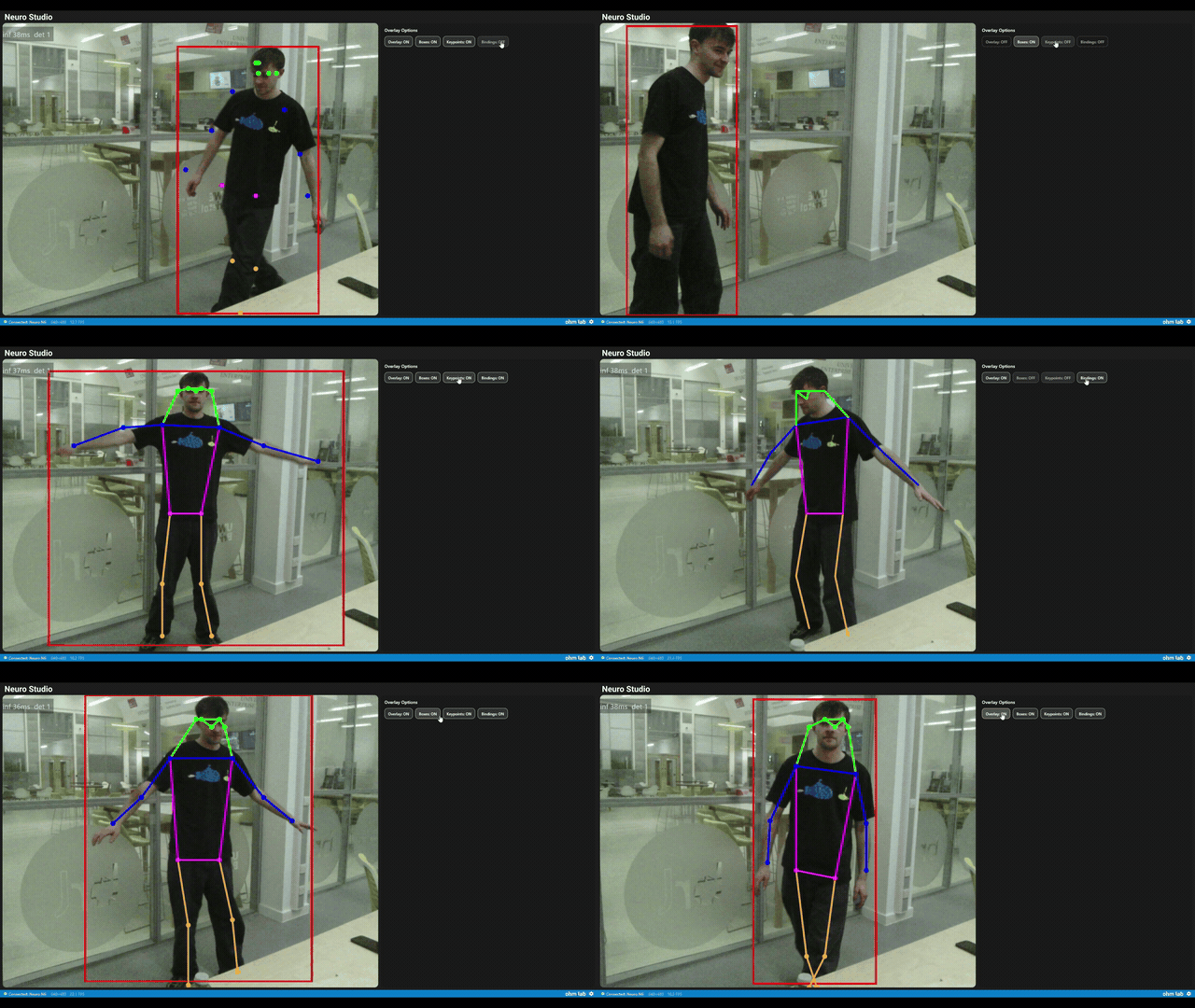
Neuro N6 is intended for this class of project: small devices that need to observe the world, run a compact model and act locally. The model may detect a person, classify a sound, recognise a gesture, inspect an object, spot a temperature pattern or trigger an output. The value comes from making that decision directly on the device.
What Neuro N6 is for
Neuro N6 is for developers who want to build compact edge AI systems around the STM32N6 without starting from a large evaluation board or a fully custom hardware design.
It is suitable for developer projects, robotics, smart cameras, battery powered sensing, wearables, university projects, industrial prototypes and early product experiments where local AI is part of the device.
It is especially useful where the team wants a practical board that combines STM32N6 neural acceleration, Arduino compatible development, camera input, USB visualisation, compact size and sensor module flexibility.
A Jetson class board, Raspberry Pi or cloud system may still be the better choice for larger models, Linux based development, heavy multi camera processing or rapid Python experimentation. Neuro N6 is aimed at the smaller, lower power and more integrated end of the edge AI spectrum.
Why we built it ourselves
We built Neuro N6 because we wanted an STM32N6 board that matched the way people actually start small AI projects.
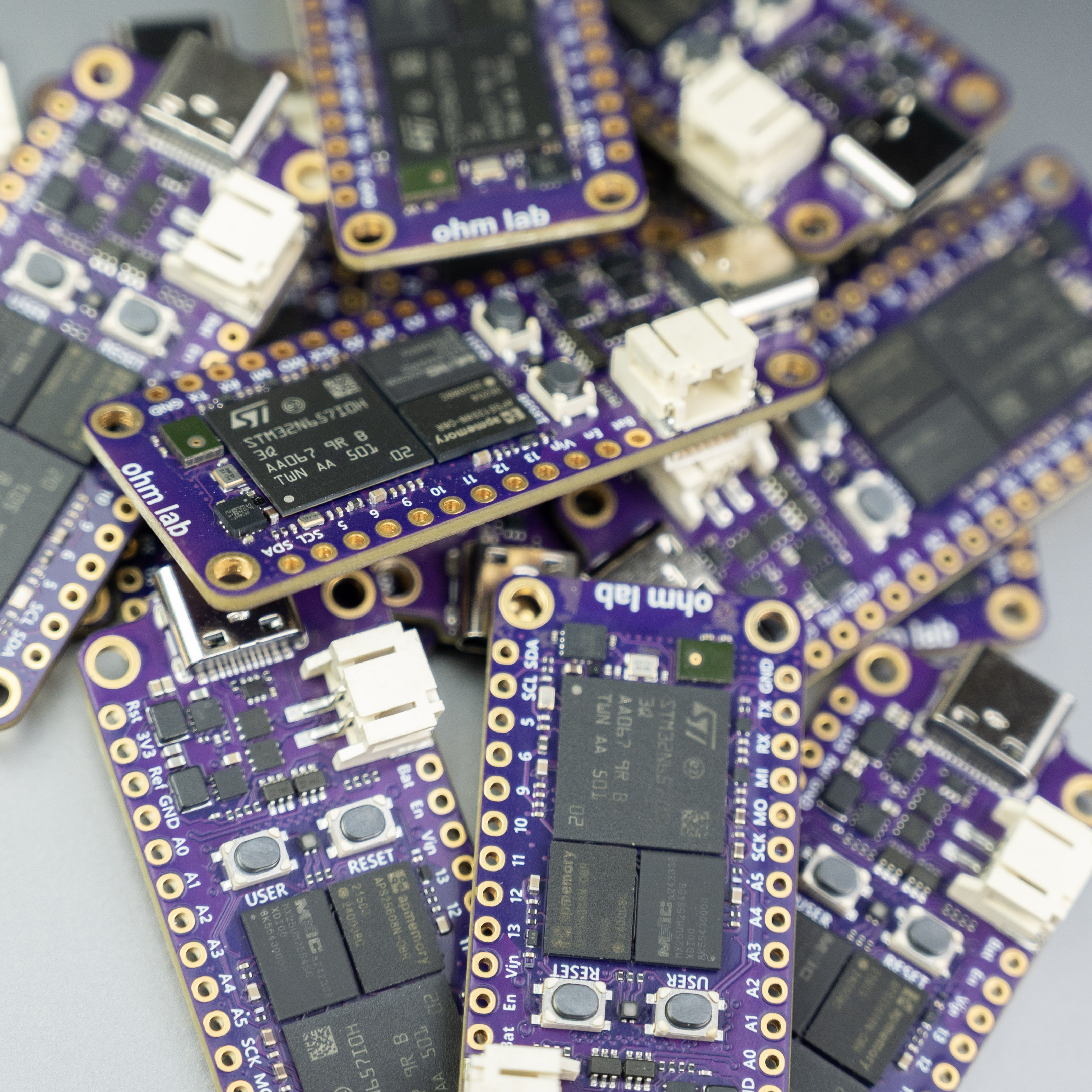
A developer should be able to connect the board, open an example, see live model output, change the sketch and begin building a real prototype. A student should be able to test a computer vision idea without first designing a custom PCB. A robotics builder should be able to add local perception to a compact platform. A product team should be able to explore whether a microcontroller AI architecture is suitable before committing to custom hardware.
That is the role Neuro N6 is intended to play.
It is a practical entry point into STM32N6 edge AI for compact prototypes and sensor driven devices.
What we hope people build with it
The most exciting part of Neuro N6 is not the board itself, but what it makes easier to attempt.
These are the kinds of projects that motivated the board. They need a balance of neural acceleration, sensor access, compact hardware and approachable software.
Frequently asked questions
What is Neuro N6?
Is Neuro N6 an STM32N6 development board?
Is Neuro N6 better than the STM32N6570 Discovery kit?
Why use the STM32N6 for edge AI?
Can Neuro N6 run computer vision models?
Does Neuro N6 support thermal sensing?
Who is Neuro N6 for?
References
- OhmLab, Neuro N6 for Makershttps://ohmlab.co.uk/neuro-n6
- STMicroelectronics, STM32N6570 DK Discovery kithttps://www.st.com/en/evaluation-tools/stm32n6570-dk.html
- STMicroelectronics, ST Edge AI Suitehttps://www.st.com/content/st_com/en/st-edge-ai-suite.html
- ST Community, How to debug the STM32N6 using VS Codehttps://community.st.com/stm32-mcus-60/how-to-debug-the-stm32n6-using-vs-code-156102
- ST Community, Is P Board STEVAL CAM M01 compatible with STM32N6 Discovery kit?https://community.st.com/imaging-sensors-49/is-p-board-steval-cam-m0i-compatible-with-stm32n6-discovery-kit-147814